
Description
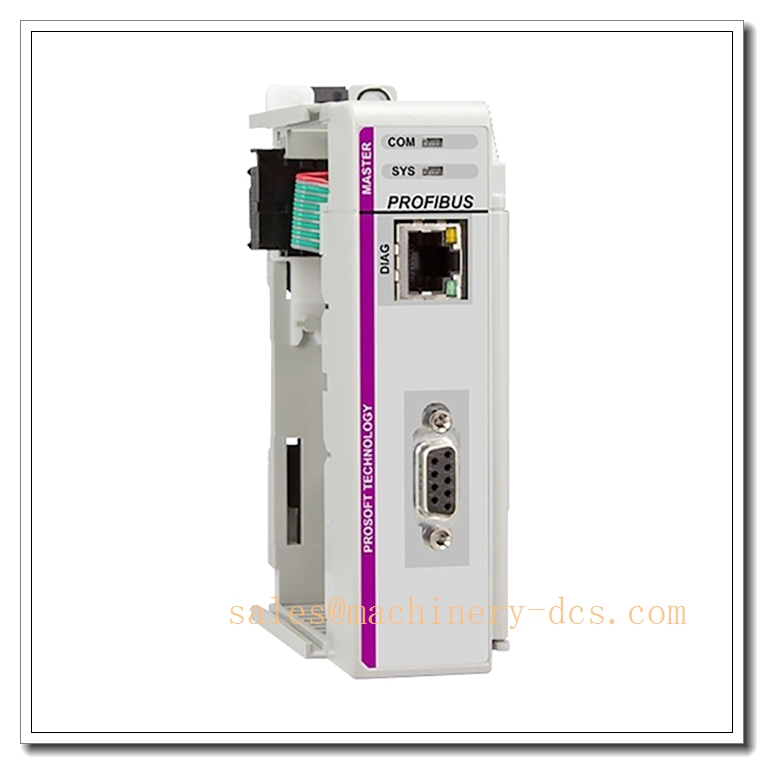
ProSoft Technology ILX69-PBM – PROFIBUS DPV1 Master Module for Rockwell CompactLogix™ Systems
Executive Summary
The ProSoft Technology ILX69-PBM is a high-performance PROFIBUS DPV1 Master communication module designed to mount directly within the Rockwell Automation CompactLogix™ 1769 chassis. It serves as a seamless bridge between the Logix5000 control platform and PROFIBUS DP networks, enabling CompactLogix processors to communicate effortlessly with a wide range of PROFIBUS DPV0 and DPV1 slave devices. By integrating as a standard I/O module within the rack, it eliminates the need for external gateways, reduces wiring complexity, and significantly shortens commissioning time through features like AutoScan and Add-On Instructions (AOI).
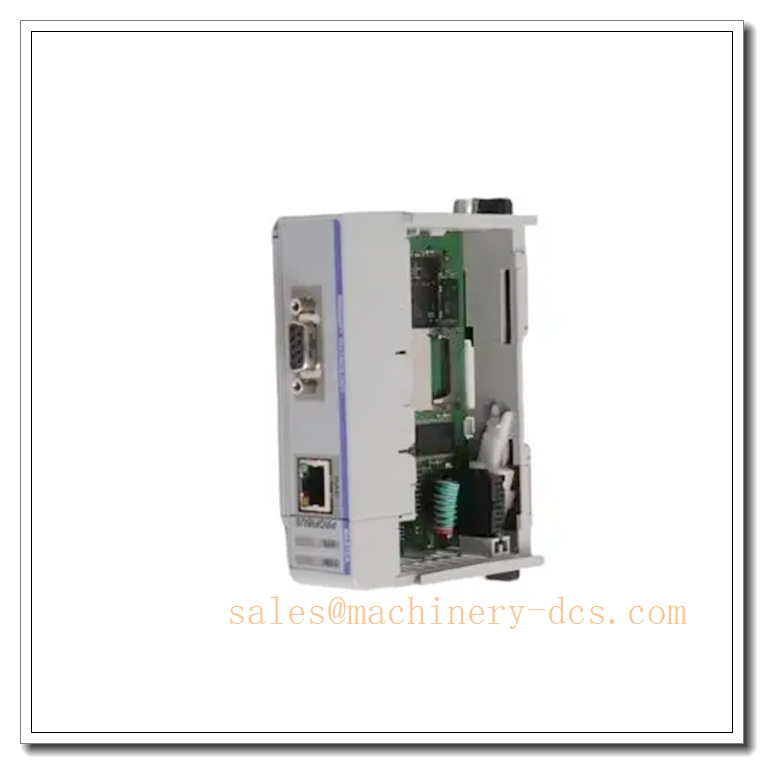
ILX69-PBM
Core Technical Specifications
- Manufacturer: ProSoft Technology
- Module Type: PROFIBUS DPV1 Master Interface Module
- Target Platform: Rockwell Automation CompactLogix™ (1769 Series Chassis)
- Supported Protocols: PROFIBUS DPV0, PROFIBUS DPV1 (IEC 61158 compliant)
- Data Capacity: Over 5,700 bytes of Input data and 5,700 bytes of Output data
- Communication Interface: Onboard Ethernet port for configuration, diagnostics, and remote asset management
- Storage: SD Card slot for configuration backup (disaster recovery) and offline firmware updates (no CPU required)
- Configuration Software: ProSoft Configuration Builder (PCB) / ProSoft FDT
- Programming Environment: Rockwell Studio 5000 / RSLogix 5000 (via Add-On Instruction)
- Features: AutoScan network discovery, ComDTM support for remote maintenance
- Mounting: Single-slot 1769 Compact I/O module
Key Features and Advantages
- In-Chassis Integration: Unlike external gateways, the ILX69-PBM mounts directly into the CompactLogix rack, utilizing the backplane for high-speed data exchange and simplifying panel layout and power distribution.
- AutoScan Technology: The module automatically scans the PROFIBUS network, detects connected slave devices, and uploads their addresses and configuration data. This feature drastically reduces startup time and eliminates manual configuration errors.
- Add-On Instruction (AOI) Support: Pre-built AOIs allow for rapid integration into Studio 5000 / RSLogix 5000 projects. Users can drag and drop the instruction into their ladder logic, significantly reducing programming and debugging time.
- Remote Asset Management (ComDTM): Supports ComDTM technology, enabling engineering and maintenance teams to remotely configure, commission, and diagnose PROFIBUS field devices over Ethernet using standard asset management software.
- High Data Throughput: With support for over 5,700 bytes of I/O data, it handles complex applications involving multiple drives, remote I/O blocks, and instrumentation without bandwidth bottlenecks.
- Disaster Recovery & Maintenance: The onboard SD card slot allows users to store configuration files for quick replacement in case of hardware failure and perform firmware updates without needing the main CPU.
Application Scenarios
- Variable Frequency Drive (VFD) Integration: Connecting Rockwell CompactLogix controllers to third-party PROFIBUS-enabled drives (e.g., Siemens, ABB, Danfoss) for speed and torque control.
- Process Instrumentation: Interfacing with PROFIBUS PA segments (via DP/PA couplers) for reading transmitters (pressure, temperature, flow) in oil & gas, chemical, and water treatment industries.
- Remote I/O Expansion: Expanding the local I/O count by connecting distributed PROFIBUS I/O racks (e.g., Siemens ET200) to a CompactLogix system.
- Motion Control: Synchronizing motion axes across a PROFIBUS network for packaging, printing, and material handling machinery.
- Legacy System Migration: Upgrading older PLC systems to CompactLogix while retaining existing PROFIBUS field infrastructure.
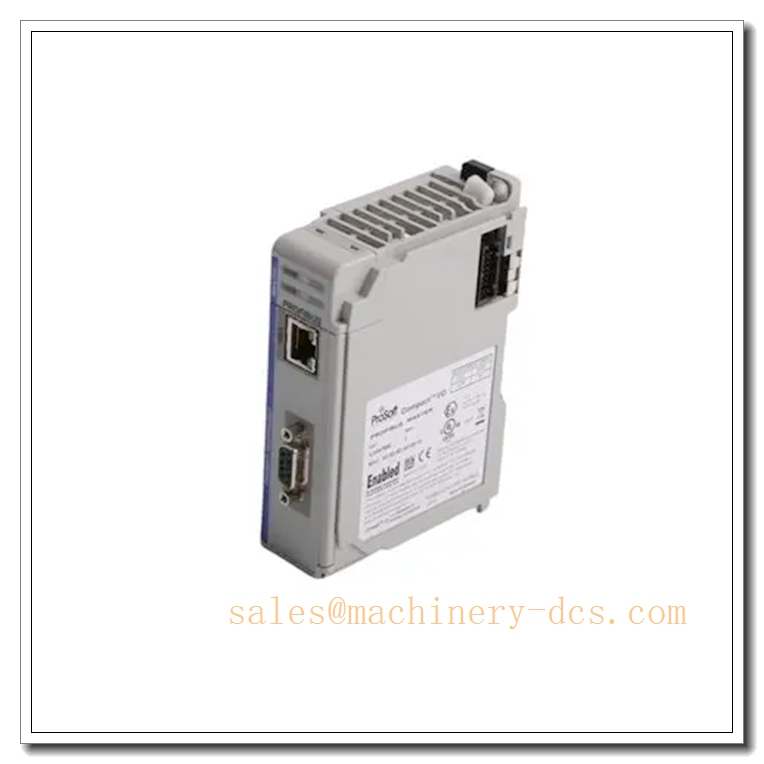
ILX69-PBM
Related Product Recommendations
For comprehensive system integration and maintenance, consider the following compatible components and alternatives:
- ProSoft ILX69-PBS: PROFIBUS DPV1 Slave module for CompactLogix, used when the CompactLogix needs to act as a slave on a PROFIBUS network.
- ProSoft MVI69-PDPMV1: PROFIBUS Master module for ControlLogix™ systems (larger chassis format).
- ProSoft MVI56E-MCM: Multi-Protocol Communication Module (Modbus, Serial) for broader connectivity options.
- Rockwell 1769-L3x Series Controllers: CompactLogix processors (e.g., 1769-L32E, 1769-L36ERM) to host the ILX69-PBM.
- Siemens ET 200SP / ET 200MP: Distributed I/O systems commonly used as PROFIBUS slaves.
- Phoenix Contact IL PB BK DP/V1: Alternative PROFIBUS couplers for remote I/O applications.
- Anybus Communicators (HMS Networks): Standalone gateways for converting other protocols to PROFIBUS if in-chassis mounting is not required.
Frequently Asked Questions (FAQ)
- Q: Can the ILX69-PBM communicate with PROFIBUS PA devices?
A: Yes, but it requires a PROFIBUS DP/PA coupler or link module (e.g., Siemens DP/PA Link) to bridge the electrical difference between the DP (RS-485) and PA (MBP) physical layers. The ILX69-PBM acts as the Master on the DP side. - Q: What is the difference between and ILX69-PBS?
A: The is a Master module, meaning it controls the network and polls slave devices. The ILX69-PBS is a Slave module, meaning the CompactLogix processor appears as a device on a PROFIBUS network controlled by another Master (e.g., a Siemens PLC). - Q: Do I need special software to configure the module?
A: Yes. While the module integrates into RSLogix/Studio 5000 via AOI for data exchange, the initial PROFIBUS network configuration (baud rate, slave mapping) is done using ProSoft Configuration Builder (PCB) or ProSoft FDT software via the onboard Ethernet port. - Q: How does the AutoScan feature work?
A: When enabled, the module scans the physical PROFIBUS cable, identifies all connected slave devices, reads their GSD file information, and automatically builds the configuration map. This eliminates the need to manually enter slave addresses and parameter sets. - Q: Can I update the firmware without a PC connected to the CPU?
A: Yes. You can place the firmware file on an SD card and insert it into the module’s SD slot. The module can update its own firmware from the card, which is useful for field upgrades or recovery.

 Start Chat


 Send an Email