
Description
Micro Innovation GF2-10TVD-000, 10-inch TFT Resistive Touch HMI Panel, Micro Panel GF2 Series
Core Product Introduction
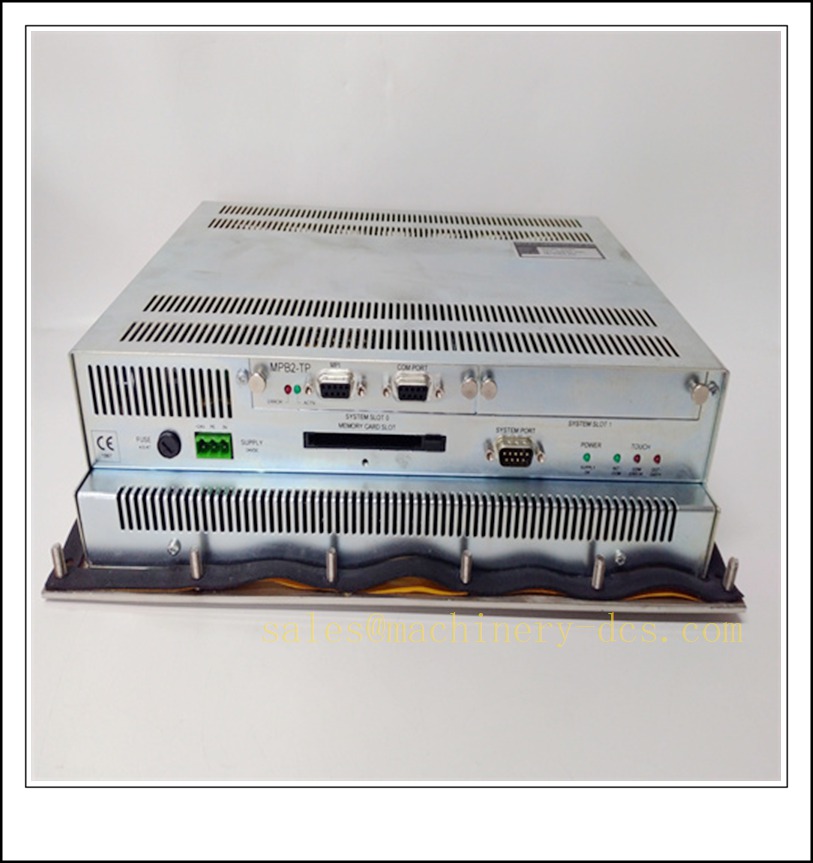
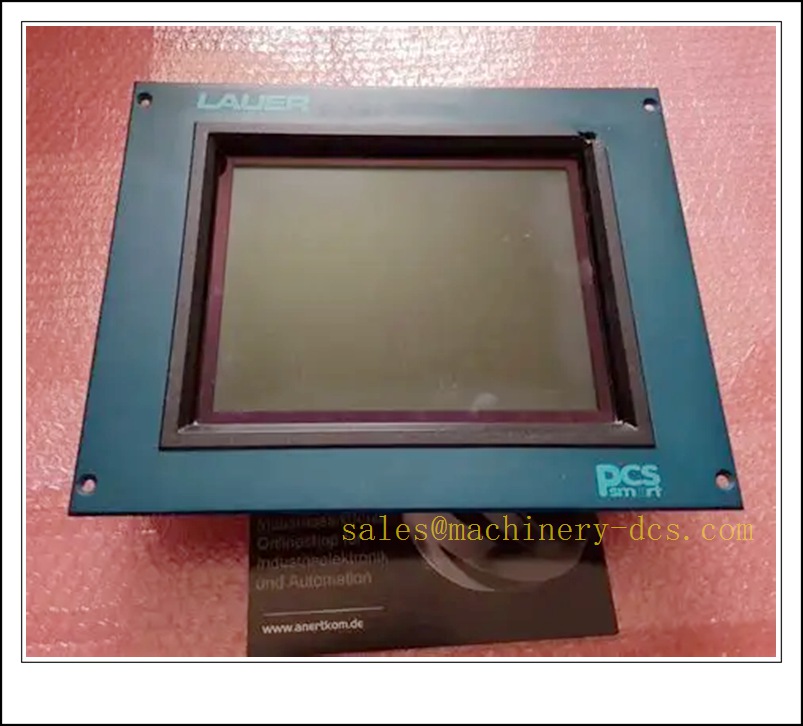
The GF2-10TVD-000 is an industrial human-machine interface (HMI) from Micro Innovation (Switzerland) GF2 series, a robust panel for machine-level visualization and operation. It integrates TFT color display, resistive touchscreen, onboard runtime and multi-protocol communication ports for PLC connection. This panel is widely used on textile machines, packaging equipment, printing lines and general factory automation. It supports graphical visualization, alarm logging, recipe management and trend display. The GF2 series is a legacy industrial touchscreen; this part is mostly supplied as spare replacement for existing machine installations.
Main Technical Specifications
| Item | Parameter |
|---|---|
| Part Number | GF2-10TVD-000 |
| Manufacturer | Micro Innovation AG |
| Display Size | 10-inch TFT color |
| Touch Type | Resistive analog touch |
| Supply Voltage | 24 VDC (18–30 VDC) |
| Power Consumption | Max 25 W |
| Resolution | SVGA 800 × 600 |
| Backlight | CCFL backlight |
| Communication Interfaces | Ethernet, RS232 / RS485 serial port |
| Supported Protocols | Modbus RTU/TCP, Siemens S7, Rockwell DF1, Omron, etc. |
| Front Panel Rating | IP65 |
| Mounting | Panel cutout flush mounting |
| Operating Temperature | 0 °C ~ +50 °C |
| Storage Temperature | -20 °C ~ +70 °C |
| Humidity | 10%–90% RH, non-condensing |
| Certifications | CE, UL |
| Lifecycle Status | EOL, spare stock only |
| Weight | ~1.4 kg |
Quality Control Procedure
- Visual & Label Inspection: Verify Micro Innovation original label, part number GF2-10TVD-000, serial number, front overlay, touch glass, housing, connector pins; no scratches, cracks or corrosion.
- Power Boot Test: Apply regulated 24 VDC, confirm power-on self-test, boot screen, no overheating or abnormal current.
- Touch Function Test: Calibrate touch panel, verify touch response across all screen zones, no dead spots.
- Display Inspection: Check for backlight flicker, pixel defects, color uniformity and contrast.
- Serial Communication Test: Connect to Modbus simulator on RS485, verify tag read/write.
- Ethernet Link Test: Negotiate 10/100Mbps Ethernet link, test ping and Modbus TCP communication.
- Backlight aging check: Run continuous backlight burn-in, confirm stable brightness.
- IP gasket inspection: Check front foam gasket integrity for panel sealing.
- Firmware revision check: Confirm firmware version compatible with the customer’s HMI project file.
- Packaging & Traceability: Anti-static bag + foam protection, serial-number QC test report before shipment.
Frequently Asked Questions (FAQ)
Q1: What is the difference between GF2-10TVD-000 and GF2-10TVD-002?A1: GF2-10TVD-002 is a later hardware variant with minor board and firmware changes. Project files may need conversion; they are not plug-and-play direct replacement without project validation.
Q2: What software is used to program GF2 HMI?A2: Micro Innovation Designer / XV Designer software, dedicated for GF and XV series panels.
Q3: Can I replace GF2 with a newer MC series Micro Innovation panel?A3: MC series is the successor. Hardware form factor, cutout and runtime are different; screen program needs rebuild or migration.
Q4: Is the touch screen multi-touch?A4: No, it is resistive single-touch only, suitable for glove operation on shop floors.
Q5: Can the backlight be replaced separately?A5: CCFL backlight is integrated; spare backlight kits are available, but on-site replacement requires careful disassembly.
Q6: Does it support file transfer via USB?A6: Some GF2 variants have USB port for recipe and project upload/download; confirm port configuration on the specific unit revision.
Installation & Configuration Guide
- Pre-install Preparation: 24 VDC isolated power, shielded serial cable / Ethernet cable, HMI project file, XV Designer software, panel gasket.
- Cutout preparation: Confirm cabinet cutout dimension matches GF2 drawing, deburr metal edges.
- Panel mounting: Insert HMI from front, fasten rear mounting clamps evenly, ensure front gasket is fully seated for IP65.
- Wiring: Connect 24 VDC power, protective earth, RS485 / Ethernet to PLC; use shielded twisted pair for serial communication.
- Power up: Energize 24VDC, confirm boot sequence and no hardware fault message.
- Project download: Connect PC via Ethernet/serial, download the compiled HMI project.
- Communication parameter setup: Match baud rate, station address and protocol with connected PLC.
- Tag test: Verify real-time values, alarm pop-up and recipe upload/download.
- Touch calibration: Run touch calibration wizard if touch offset occurs.
- Backup: Save project source file and runtime backup to site archive.
Warning: The front IP65 rating only applies when the gasket is intact and clamps are tightened properly. Do not install in direct splash areas without additional protective cover.
Related Micro Innovation GF / XV / MC Series Models & Order Number Recommendation (15 pcs)
| Model | Order Number | Description |
|---|---|---|
| GF2 later variant | GF2-10TVD-002 | 10″ GF2 HMI, updated hardware |
| 7 inch GF HMI | GF2-07TVD-000 | GF2 7″ resistive touch panel |
| 12 inch GF HMI | GF2-12TVD-000 | GF2 12″ TFT touchscreen |
| XV 10″ replacement panel | XV-102-D6-57TVRC-10 | XV series 10″ HMI |
| MC 10″ new generation | MC2-440-10TVB-1-10 | MC2 10″ capacitive touch HMI |
| MC 7″ panel | MC2-430-10TVB-1-10 | MC2 7″ industrial touch |
| Touch overlay spare | GF2-10-TOUCH-KIT | Replacement touch glass for GF2-10TVD |
| CCFL backlight kit | GF2-10-BL-KIT | Replacement backlight assembly |
| Programming cable | MICRO-CAB-RS485 | Serial download cable |
| Ethernet patch cord | MICRO-CAB-ETH | Communication cable |
| XV Designer software license | XV-DESIGNER-LIC | Programming software license |
| XV 5.7″ compact panel | XV-570-TVC-10 | 5.7″ color HMI |
| XV 15″ large screen | XV-152-D6-57TVRC-10 | XV 15″ TFT touch |
| GF series mounting clamp set | GF-CLAMP-KIT | Spare mounting clips |
| XV power adapter | XV-PWR-24V | 24VDC power supply for bench test |

 Send an Email