
Description
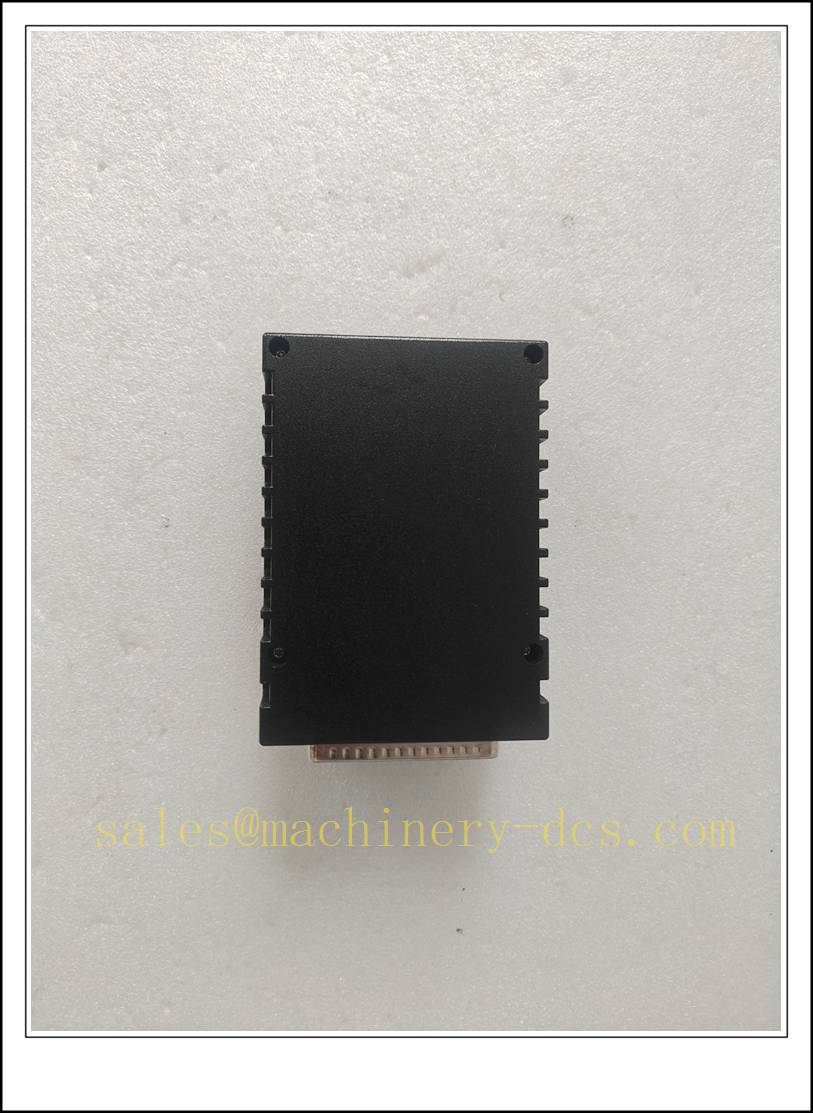
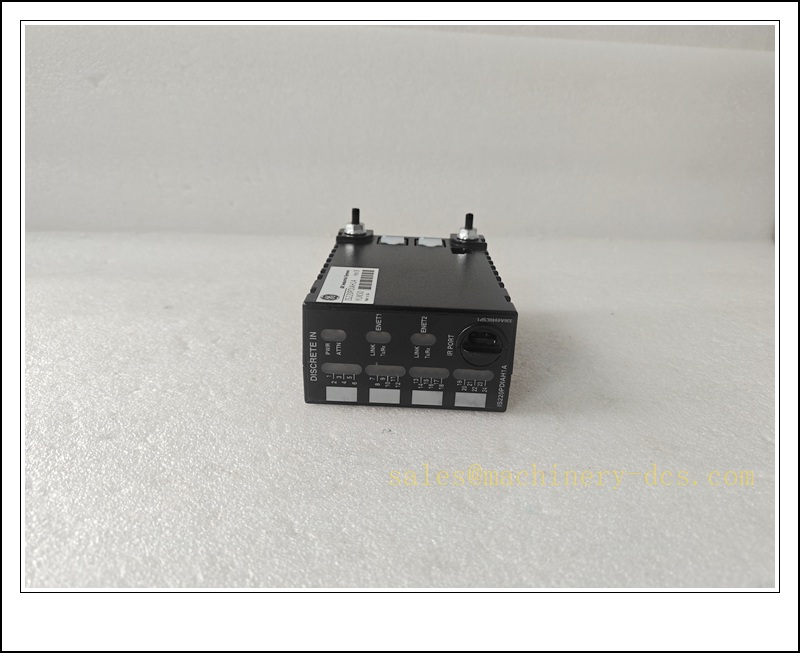
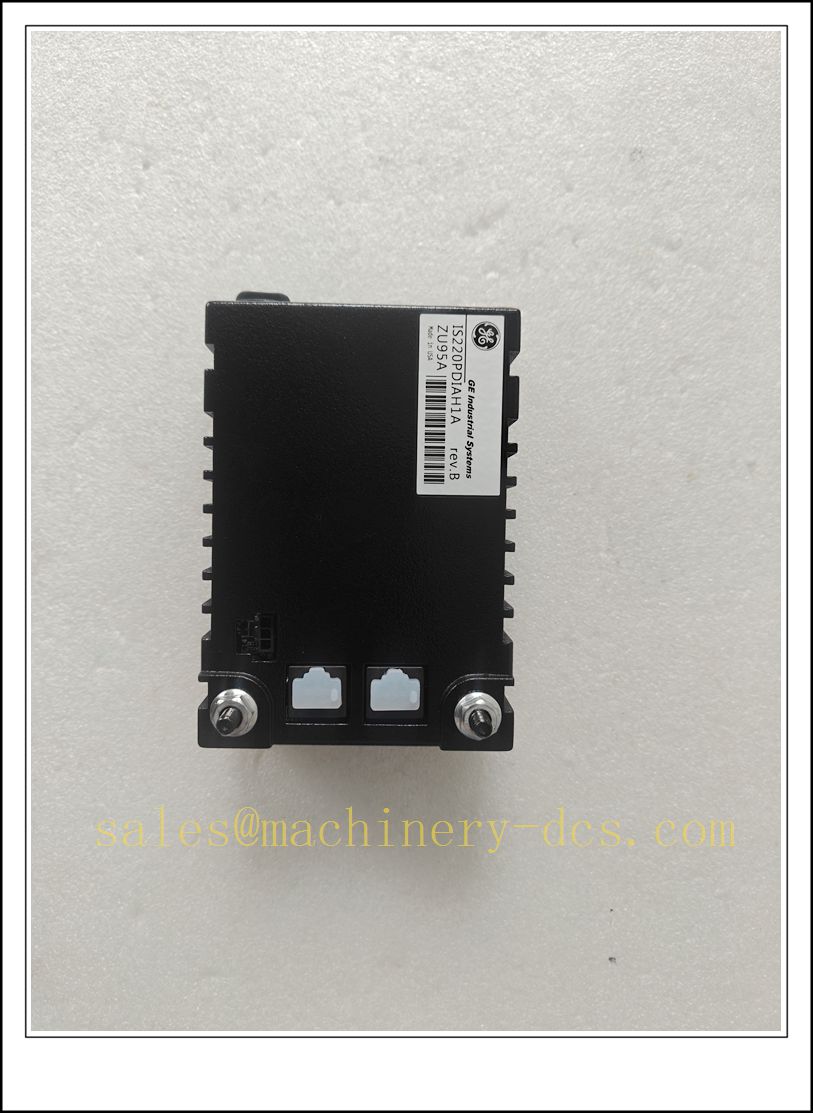
GE IS220PDIAH1A Mark VIe PDIA Discrete Contact Input I/O Pack, Industrial Automation Spare Part
Product Core Overview
The IS220PDIAH1A is a GE Mark VIe (Speedtronic) PDIA discrete contact input I/O pack, designed for gas turbine, steam turbine and BOP distributed control systems. It collects dry contact status signals from field limit switches, valve feedbacks, breaker auxiliary contacts and safety interlock devices, communicating with the Mark VIe controller over dual redundant IONet Ethernet bus.It requires a matched terminal board such as IS200STCIH1A / IS200TBCIH4C for field wiring termination. Each channel features opto-isolation and built-in 4ms debounce filter to suppress contact bounce and electrical noise. This pack supports hot-swap operation, which helps reduce unit outage time during maintenance. It is widely used in power generation plants; the series is end-of-life and supplied as tested spare for legacy turbine control systems.
IS220PDIAH1A
Main Technical Specifications
| Item | Specification |
|---|---|
| Brand | GE (General Electric) |
| Model | IS220PDIAH1A |
| Series | Mark VIe Speedtronic Turbine Control |
| Product Type | PDIA Discrete Contact Input I/O Pack |
| Input Channels | 24 isolated dry contact inputs |
| Supply Voltage | 28 VDC nominal, operating range 20–29.4 VDC |
| Contact Wetting | 32 VDC wetting supply (min 27.4 VDC) |
| Communication | Dual 100Mbps Ethernet IONet ports, redundant network |
| Isolation | 1500 VAC opto-isolation per channel |
| Debounce Filter | Fixed 4ms hardware filter |
| Operating Temperature | -30 ℃ ~ +65 ℃ |
| Ambient Humidity | 5%–90% RH, non-condensing |
| Protection Rating | IP20 (cabinet rack installation) |
| Mounting | Mark VIe I/O rack slot mounting |
| Diagnostic | Power, link, fault and channel status LEDs; infrared local diagnostic port |
| Feature | Hot-swappable, conformal coated PCB, HazLoc Zone 2 certified |
| Matching Terminal Board | IS200STCIH1A, IS200TBCIH4C |
| Application | Gas turbine, steam turbine, combined cycle power plant, BOP interlock monitoring |
Quality Control Procedure
- Visual Incoming Inspection: Check housing, front panel LEDs, dual Ethernet RJ45 ports, 37-pin D-Sub connector, label and serial number integrity, inspect conformal coating.
- ESD Controlled Handling: All inspection and testing performed on grounded ESD workstation with anti-static wrist strap.
- Power-on Burn-in Test: Energise 28VDC continuously for 4 hours; monitor power LED, link status and operating temperature.
- IONet Communication Test: Connect to Mark VIe controller IONet network, verify module identification and cyclic data exchange.
- Channel Input Functional Test: Inject dry contact signals to each channel, validate state acquisition and debounce behaviour.
- Redundant Network Test: Verify normal operation with either Ethernet link active.
- Firmware Compatibility Check: Confirm firmware revision matches the existing Mark VIe control project.
- Data Archiving: Record serial number and full test report, attach inspection sticker, vacuum anti-static packaging.
- Pre-shipment Audit: Double-check model and confirm matching terminal board type before dispatch.
Recommended Related Models & Order Codes (15pcs)
- IS220PDIAH1B
- IS200STCIH1A (Terminal Board)
- IS200TBCIH4C
- IS220PDOAH1A
- IS220PPDAH1A
- IS220YDIAS1B
- IS220YAICS1B
- IS220PAICH1A
- IS220PVIBH1A
- IS215ACLEH1A
- IS200AEPCH1A
- IS200BPVCG1B
- IS220UCSAH1A
- IS220FTAIH1A
- IS220PSVOH1A
Frequently Asked Questions
Q1: Can IS220PDIAH1A replace IS220PDIAH1B directly?A: Same PDIA function group, but hardware revision and firmware differ. Confirm terminal board compatibility, I/O point mapping and controller firmware before replacement.
Q2: Is this module discontinued?A: Yes, GE Mark VIe PDIA I/O packs are end-of-production. Available stock is original surplus or fully tested refurbished spare parts.
Q3: Does IS220PDIAH1A support hot swap?A: Yes, it is hot-swappable Mark VIe I/O pack. However, the related turbine interlock logic will lose input signals during replacement; risk assessment and interlock bypass must be performed by qualified power plant engineers.
Q4: Link LED keeps off after installation, what should I check?A: Verify 28VDC rack supply, IONet Ethernet cable, network switch status, module IP/node address and terminal board 37-pin connection. Use ToolboxST to read module diagnostic alarms.
Q5: Warranty terms?A: Original surplus new: 12-month warranty. Refurbished tested stock: 6-month warranty. Damage caused by field overvoltage, reverse wetting polarity, ESD or firmware mismatch is excluded.
Q6: Commissioning software?A: GE ToolboxST. I/O point list, interlock logic and terminal wiring drawing must be backed up before replacement.
Installation & Configuration Guide
Pre-installation Preparation
- Confirm cabinet environment: clean, low dust, no condensation, away from high EMI and high-voltage cabling.
- Prepare ESD protection, insulated screwdriver, IONet Ethernet cable, matched terminal board and ToolboxST project backup.
- Complete risk assessment, interlock bypass or trip prevention procedure for turbine safety logic before removal.
Installation Steps
- Follow plant LOTO and turbine safety procedure; implement necessary interlock bypass.
- Release module latch, pull out the faulty vertically from the I/O rack slot.
- Unpack new spare under ESD protection; avoid touching 37-pin connector and PCB traces.
- Insert the new pack smoothly into the rack slot and lock the latch.
- Connect 37-pin cable to the corresponding IS200STCIH1A / TBCIH4C terminal board; wire field dry contacts per drawing.
- Plug dual IONet Ethernet cables, route separately from high-voltage power cables and check shielding grounding.
Configuration & Commissioning
- Observe front panel LED status after installation; hot swap will auto-power the module.
- Launch GE ToolboxST and connect to the Mark VIe controller.
- Refresh hardware tree, confirm is detected online.
- Verify I/O database point mapping, channel assignment and wetting configuration match the original project.
- Trigger each field contact manually, confirm input status updates correctly in ToolboxST.
- Clear module alarms after self-diagnosis passes.
- Remove temporary interlock bypass step by step, restore turbine protection logic and save commissioning log.
Maintenance Notes
- Conformal coating protects the PCB; do not scratch or remove coating.
- Check terminal board and field contact wetting voltage periodically.
- Do not perform hot swap without turbine safety approval.
- Store spare I/O packs in dry sealed anti-static packaging.

 Send an Email