
Description
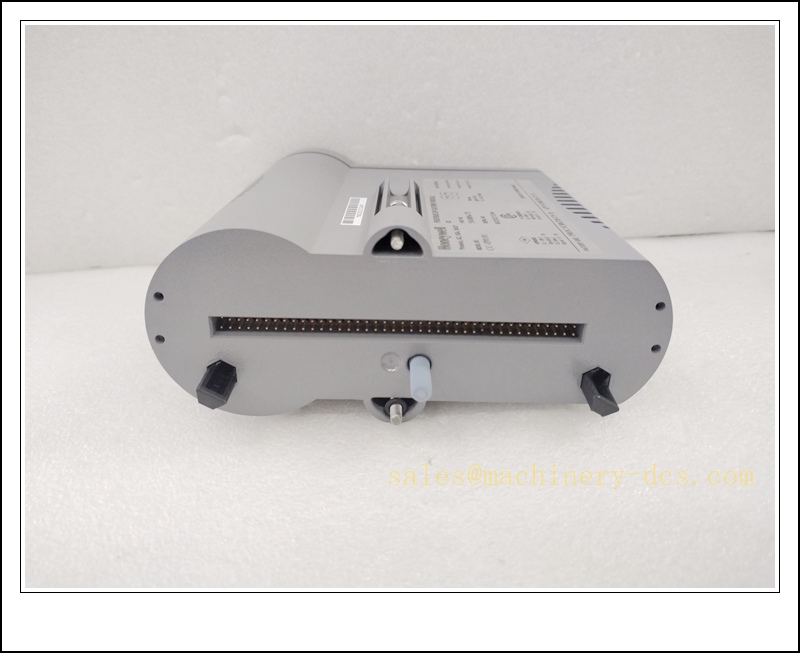
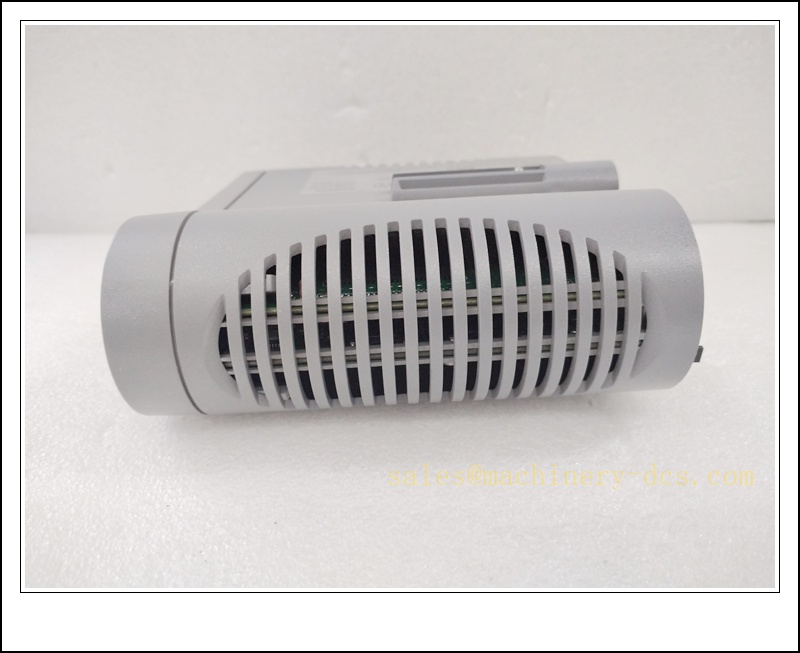
Honeywell CC-IP0101 (51410056-175) PROFIBUS DP Gateway Module, Industrial Automation Spare Part
Product Core Overview
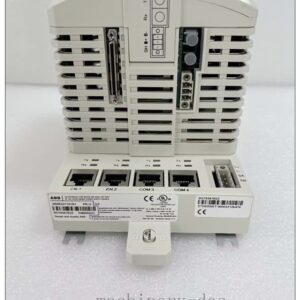
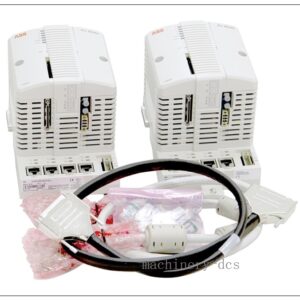
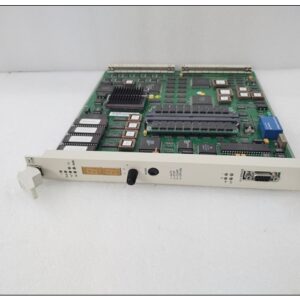
The CC-IP0101, part number 51410056-175, is a Honeywell Series 8 PROFIBUS DP gateway module (PGM) designed for the Experion PKS / Experion LX C300 controller platform. It acts as a dedicated protocol master bridge to connect PROFIBUS DP slave field instruments, drives and remote I/O to the Honeywell C300 control processor.This module supports optional redundant deployment and dual PROFIBUS DP networks, delivering real-time cyclic data exchange between the DCS control layer and PROFIBUS field devices. Integrated hardware diagnostics and status LEDs enable rapid fault identification. It is widely used in chemical, petrochemical, power, pulp & paper and pharmaceutical process plants. This is an end-of-life Honeywell spare, stocked for maintenance replacement of legacy Experion PKS systems to minimise plant shutdown time.
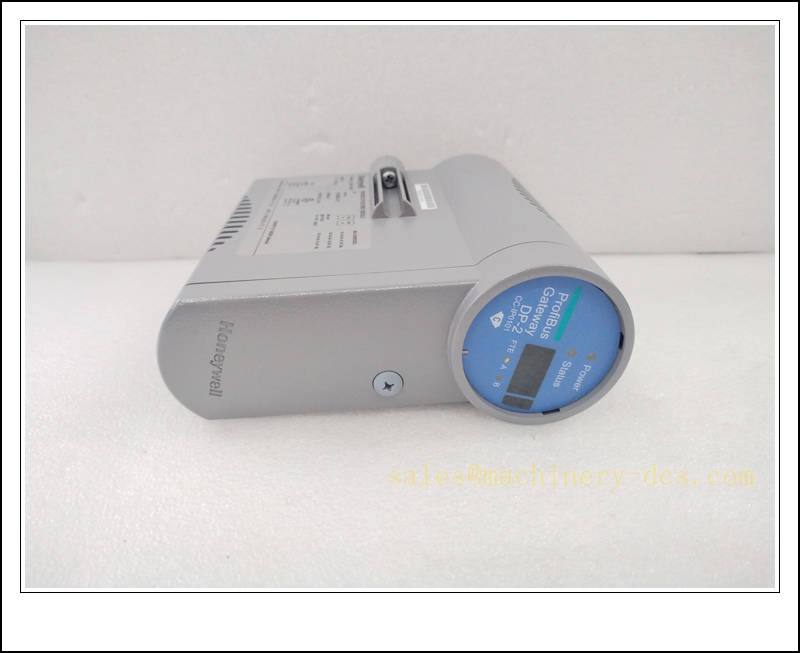
CC-IP0101
Main Technical Specifications
| Item | Specification |
|---|---|
| Brand | Honeywell |
| Model | CC-IP0101 |
| Part No. | 51410056-175 |
| Product Type | PROFIBUS DP Gateway Module (PGM) |
| Series | Series 8, for C300 Controller |
| Supply Voltage | 24 VDC, 390 mA |
| PROFIBUS Role | Class 1 DP Master |
| DP Ports | Dual independent PROFIBUS DP channels |
| Supported Baud Rates | 9.6 kbps ~ 12 Mbps |
| Max Nodes per DP Link | Up to 127 PROFIBUS DP slaves |
| Operating Temperature | 0 ℃ ~ +60 ℃ |
| Ambient Humidity | 5%–90% RH, non-condensing |
| Protection Rating | IP20 (cabinet rack installation) |
| Mounting | Series 8 rack, paired with matching IOTA terminal assembly |
| Redundancy | Optional redundant configuration |
| Diagnostic | Power, link, communication and fault status LEDs |
| Protection | Overvoltage, undervoltage, ESD and bus short-circuit protection |
| Applicable System | Honeywell Experion PKS, Experion LX with C300 Controller |
| Application | Petrochemical, power generation, refining, pharmaceutical, pulp & paper |
Quality Control Procedure
- Visual Incoming Inspection: Check module housing, front LED panel, backplane connector, label, serial number and IOTA mating interface integrity.
- ESD Controlled Handling: All inspection and testing carried out on grounded ESD workstation with anti-static wrist strap.
- Power-on Burn-in Test: Energise 24VDC continuously for 4 hours; monitor LED status and operating temperature.
- Backplane Communication Test: Insert into Series 8 rack with C300 controller, verify backplane handshake and module identification.
- PROFIBUS Bus Functional Test: Connect to DP slave devices, scan node list and validate cyclic I/O data exchange.
- Redundancy Test (if applicable): Verify switchover behaviour for redundant gateway pairs.
- Firmware Compatibility Check: Confirm firmware revision matches the existing Experion PKS project revision.
- Data Archiving: Record serial number and full test report, attach inspection sticker, vacuum anti-static packaging.
- Pre-shipment Audit: Double-check model, part number 51410056-175 and quantity before dispatch.
Recommended Related Models & Order Codes (15pcs)
- CC-PCNT01 / 51405046-175 (C300 Controller)
- CC-PAIH01 / 51405038-175 (Analog Input)
- CC-PAOH01 / 51405040-175 (Analog Output)
- CC-PDI01 / 51405042-175 (Digital Input)
- CC-PDO01 / 51405044-175 (Digital Output)
- CC-TCF901 / 51405064-175 (IOTA Base)
- CC-IP0201
- 51403598-100 (Power Supply)
- 51405048-175 Redundancy Module
- FC-IOCH01
- CC-TDIL01
- CC-TDOL01
- 51308385-100 FTE Card
- 51401640-175 Control Net Module
- 51403416-100 Backplane
Frequently Asked Questions
Q1: Can CC-IP0101 replace CC-IP0201 directly?A: Both are PROFIBUS gateway modules for , but hardware and port configuration differ. Confirm IOTA base, firmware and bus topology before replacement.
Q2: Is CC-IP0101 discontinued?A: Yes, Honeywell Series 8 PGM CC- is end-of-life. Available stock is original surplus or fully tested refurbished spare parts.
Q3: Does this module support hot swap on the live rack?A: Hot swap is supported under correct Series 8 rack design, but process interlocks and PROFIBUS communication will drop during swap. Recommended to perform LOTO and lock control loop if process permits.
Q4: PROFIBUS link fault LED alarm after installation, what should I check?A: Verify 24VDC supply, DP bus wiring polarity, bus termination resistor, slave address duplication, baud rate matching and IOTA terminal connections. Use Experion Control Builder to read detailed bus diagnostic codes.
Q5: Warranty terms?A: Original surplus new: 12-month warranty. Refurbished tested stock: 6-month warranty. Damage caused by reversed DP polarity, miswiring, ESD, overvoltage or firmware mismatch is excluded.
Q6: Commissioning software?A: Honeywell Experion Control Builder. The PROFIBUS slave GSD files and node mapping must be backed up before replacement.
Installation & Configuration Guide
Pre-installation Preparation
- Confirm cabinet environment: clean, low dust, no condensation, separate from high-power variable frequency drives.
- Prepare ESD protection, insulated screwdriver, PROFIBUS shielded cable, matching IOTA base and Experion project backup.
- Back up project, GSD library and PROFIBUS network configuration before removing the faulty gateway.
Installation Steps
- Execute LOTO lockout-tagout procedure; isolate relevant control loops and rack power if required.
- Unlock the module latch, extract the faulty CC- vertically from the Series 8 rack slot.
- Unpack new spare under ESD protection; avoid touching gold fingers and backplane connectors.
- Align the module with the rack slot, insert smoothly and lock the latch to mate with IOTA base.
- Wire PROFIBUS DP cable to IOTA terminals strictly following A/B polarity rules, fit 120Ω termination resistor at bus endpoints.
- Route shielded DP cable separately from high-voltage power cables; connect shield to protective earth at one end.
- Double-check 24VDC wiring and PE grounding.
Configuration & Commissioning
- Restore rack power and observe front panel LED status.
- Launch Experion Control Builder and connect to the controller.
- Refresh hardware tree, confirm CC- is recognised online.
- Load the validated PROFIBUS configuration, confirm baud rate, slave addresses and GSD versions match.
- Run PROFIBUS network scan, verify all DP slave instruments and drives are detected without alarms.
- Force I/O points manually to validate input acquisition and output response.
- Clear residual bus alarms after system self-diagnosis passes.
- Restore control loops to automatic mode and save commissioning log.
Maintenance Notes
- Keep rack ventilation clear; overheating causes intermittent PROFIBUS dropout.
- Do not remove module while high-energy process loops are unprotected.
- Use only PROFIBUS-compliant shielded twisted-pair cable.
- Store spare modules in dry sealed anti-static packaging.

 Send an Email